Unlock Dynamic Visuals with Editable Sport Text Effects
There's a specific kind of energy that the best sports branding captures—a sense of motion, impact, and metallic sheen that feels both modern and powerful. Whether you're designing a logo for a local fitness brand, creating social media graphics for a sports event, or developing merchandise for a fan community, the typography you choose does more than just spell out words. It conveys attitude. This is where a specialized asset like a Sport Text Effect truly shines, offering a ready-made solution that injects that professional, high-impact aesthetic directly into your work in Adobe Illustrator.
More Than a Font: The Power of an Applied Effect
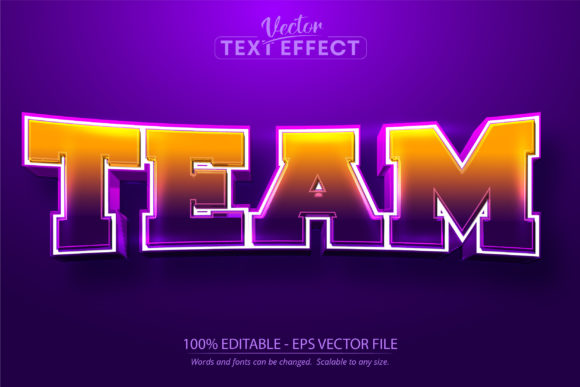
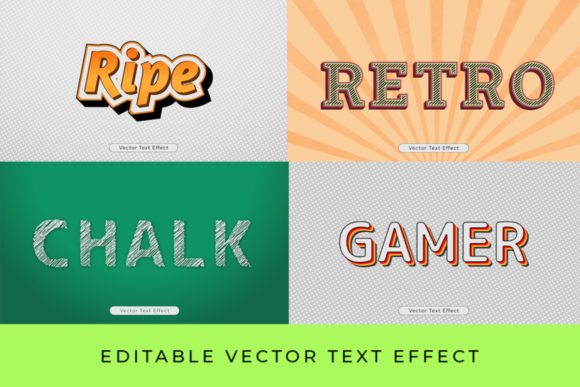
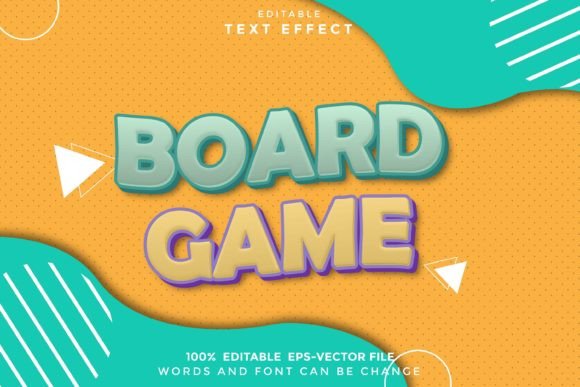
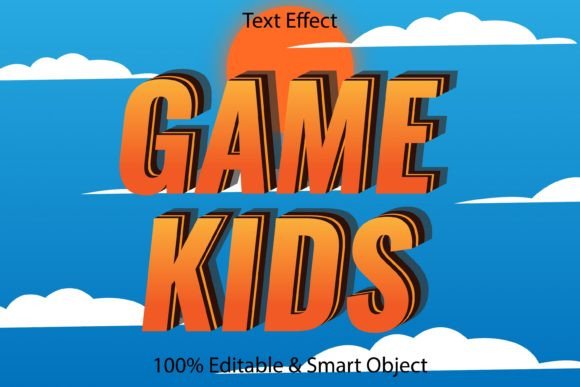
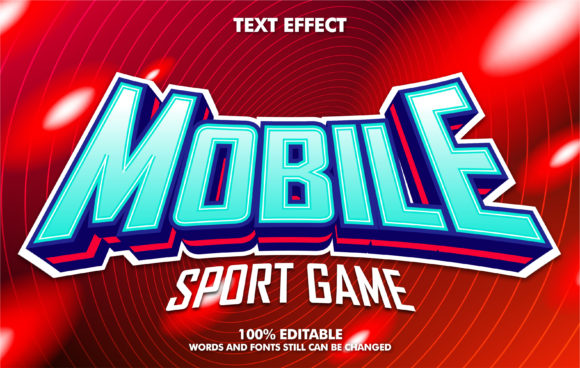
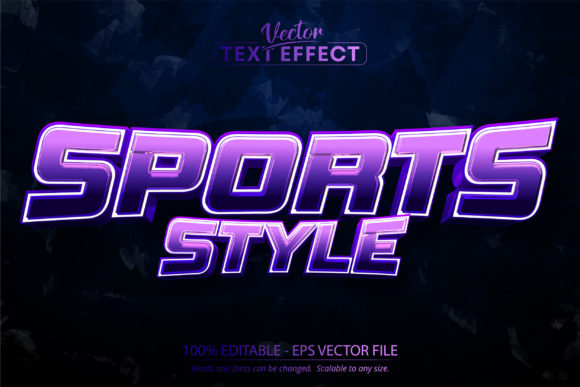
It's important to understand that what we're dealing with here is not a traditional typeface you simply select from a menu. A Sport Text Effect, Editable Sports Style is an Adobe Illustrator template that applies a complex visual treatment—think shiny metallic silver gradients, sharp bevels, and dynamic highlights—to any text you type. You open the .eps file, edit the text with the Type Tool, and the entire style automatically adapts to your new wording. This approach bridges the gap between having a vision for a bold, athletic look and possessing the advanced Illustrator skills to build those layer styles and gradients from scratch. For a small business owner or content creator, it’s a shortcut to a polished, professional finish that ensures visual consistency across every asset you produce.
Practical Applications Across Your Projects
The real value of a design asset lies in its versatility. How can this particular editable text effect serve different creative needs? Let's break down some concrete scenarios.
For Branding and Logo Design: Imagine crafting a primary logo for a sports apparel startup or a gym. The metallic, dimensional quality of this text effect can instantly establish a brand identity that feels premium and energetic. It communicates strength and modernity at a glance, which is crucial for brand recognition. Because it's editable, you can test it with your brand name and any taglines to see how the effect scales and reads in context.
For Social Media and Digital Marketing: Attention spans are short online. A static, flat text post can easily be scrolled past. Applying this sports-style effect to headlines in Instagram graphics, Facebook ads, or YouTube thumbnails creates an immediate visual hook. It makes announcements for sales, events, or new product launches feel more like an event themselves. The consistency of using the same text effect across your digital marketing assets helps build a cohesive visual language that your audience will start to associate with your content.
For Packaging and Merchandise: Product packaging for sports drinks, fitness gear, or even gaming accessories needs to stand out on a shelf or in an online store. This effect can be applied to product names or key features on labels and boxes. Similarly, for merchandise like t-shirts, caps, or posters, the editable nature means you can quickly generate variations for different team names or slogans without compromising the core style, ensuring all your products look like part of the same family.
For Events and Editorial Design: Think about posters for a local marathon, flyers for a basketball tournament, or the title treatment for a sports blog series. The effect provides a built-in sense of excitement and professionalism. In editorial layouts, such as a magazine feature or a PDF program, using it for pull quotes or section headers can break up text and guide the reader's eye, improving overall engagement with the content.
Integrating This Asset into Your Design Workflow
Adopting any new design asset requires a bit of strategy to maximize its impact. Here’s how to approach using a pre-styled text effect effectively.
First, consider the context and pairing. A bold, metallic display effect like this works best for headlines, logos, and short, impactful phrases. It’s not designed for long paragraphs of body text, where readability would suffer. The key is to pair it with a clean, simple sans-serif or serif font for supporting information. For example, use the sport effect for "SUMMER SLAM" and pair it with a font like Helvetica or Garamond for the date, time, and location details. This contrast creates hierarchy and ensures your message is both seen and understood.
Second, leverage its editability for customization. Don't just use it as-is. The fact that it's an Illustrator file means you can dive into the layers. While the core style is set, you might adjust the color of the gradient to match a specific brand palette, or slightly alter the background to ensure it integrates seamlessly with your project's overall design. This level of control helps maintain visual consistency and makes the asset feel truly yours.
Third, always test at scale. Because this is a vector-based effect, it is scalable to any size without losing quality—a significant advantage for projects that range from a small website favicon to a large-format event banner. However, always preview it at the intended output size. What looks stunning on a monitor might need subtle adjustments to ensure the bevels and highlights remain clear and impactful when printed or viewed on a mobile screen.
Making a Strategic Choice for Your Creative Toolkit
When evaluating a premium design asset like this, it's wise to think beyond the immediate project. What does it offer in the long term? A well-crafted, editable text effect becomes a reusable component in your design library. It can save you hours of work on future projects that require a similar athletic, modern typography style. It’s not just a one-time download; it's an investment in efficiency and professional output.
Remember, the goal is to communicate more effectively with your audience. Typography is a silent ambassador for your brand. A style that evokes the right emotion—whether it's competitiveness, energy, or cutting-edge cool—can significantly enhance audience engagement and make your materials more memorable. By thoughtfully incorporating a tool like the Sport Text Effect, you're not just decorating text; you're strategically shaping how your message is perceived in a crowded visual landscape. It’s about giving your projects that polished, intentional edge that makes people take a second look.