Instantly Add Playful Personality with This Text Effect
Let's be honest: sometimes your text just needs to pop. You're designing a poster for a retro game night, creating a logo for a new mobile app, or putting together social media graphics for a toy brand, and the standard fonts on your computer feel flat. You want something with energy, with a sense of fun and movement, but you don't have hours to spend crafting a custom 3D effect in Photoshop. This is where a pre-made, high-quality resource like the Funny Game Text Effect comes in, transforming your plain letters into a vibrant, eye-catching statement in seconds.
A Quick Path to Professional-Looking Graphics
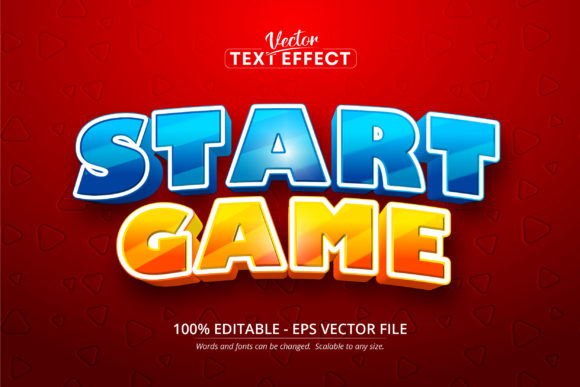
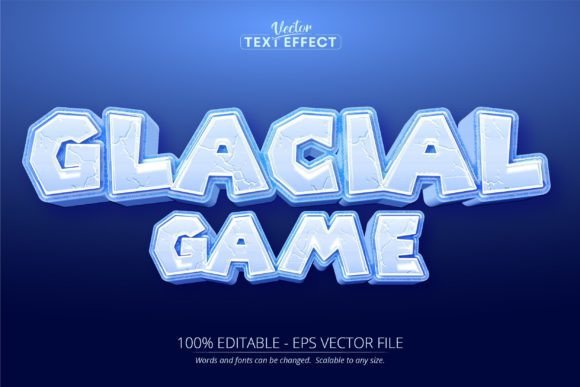
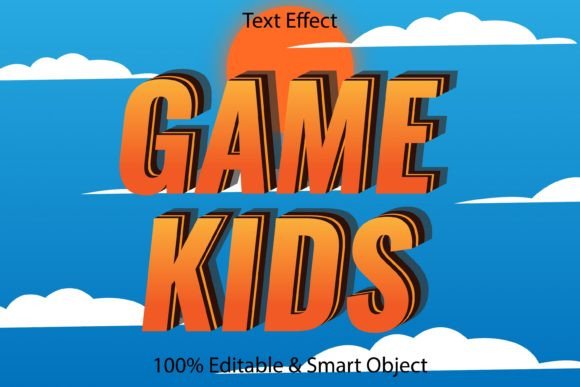
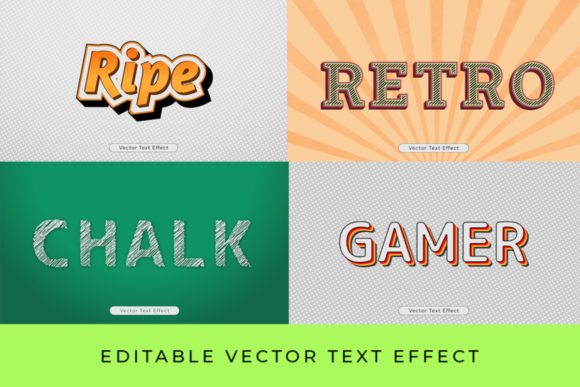
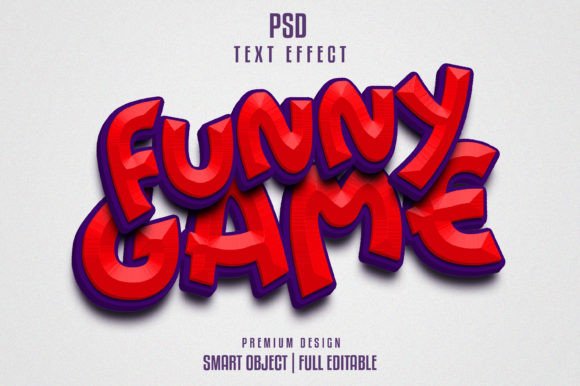
This isn't just another filter. The Funny Game Text Effect is a carefully constructed PSD template designed to mimic the bold, colorful, and often glossy or cartoonish styles seen in classic and modern gaming interfaces. Think of the chunky, impactful titles from arcade cabinets or the playful headers on children's educational apps. The visual appeal comes from its layered depth—subtle bevels, playful shadows, and bright color pops that make the text feel three-dimensional and tactile. Because it's built with Smart Objects, you simply double-click the layer, type your own words, save, and the entire effect is professionally applied to your typography. The 2000x1331px canvas at 300 DPI ensures it's crisp for both digital screens and print materials, from website banners to party invitations.
For a small business owner or content creator, the value is immense. It eliminates the technical barrier. You don't need to understand complex layer styles or rendering techniques. The file is well-layered and organized into groups, so if you're feeling adventurous, you can tweak the colors or shadow intensity to match your brand's palette. It’s a practical design asset that solves a real problem: achieving a polished, thematic look without outsourcing or spending a day in software tutorials.
Beyond Game Night: Where This Style Truly Shines
While the name suggests gaming, the applications are surprisingly broad. The core personality—fun, energetic, and highly readable—lends itself to any project aiming for a youthful, approachable, or dynamic vibe.
- Branding & Logo Concepts: Perfect for brainstorming logos for family entertainment centers, toy companies, children's clothing lines, or a new podcast with a lighthearted tone. It helps visualize a brand identity that is welcoming and exciting.
- Social Media & Marketing: Create scroll-stopping graphics for Instagram stories, YouTube thumbnails, or Facebook ads promoting a sale, event, or new product launch. The effect instantly communicates energy and grabs attention in a crowded feed.
- Digital & Physical Products: Design eye-catching covers for digital planners, e-books, or online course modules. In the physical realm, it’s ideal for merchandise like t-shirt slogans, mug designs, sticker packs, or packaging for snacks, candies, or craft kits.
- Events & Invitations: From a child's birthday party invite to a community gaming tournament flyer, this text effect sets the perfect tone right from the headline.
Using a consistent, thematic text effect like this across your marketing assets—from your website hero image to your printed posters—builds visual consistency. This repetition is a cornerstone of strong brand recognition; your audience starts to associate that playful, polished style with your business.
Making It Work for Your Project
Getting the most out of a template like this involves a few practical considerations. First, font pairing is key. The template includes a free font, but if you're integrating this headline into a larger layout, pair it with a clean, simple sans-serif for body text. A bold display font like this effect creates a strong hierarchy on its own; pairing it with another ornate style would create visual chaos. For example, combine the Funny Game Text Effect on your headline with a neutral font like Open Sans or Lato for your paragraph copy.
Always test readability at the size it will be viewed. At full resolution, it's perfectly legible. But if you're scaling it down for a small web button or a favicon, ensure the letters don't blur together. The great thing about the PSD file is that you can adjust the size and still maintain the effect's integrity.
Finally, remember the commercial license. This resource is included for your use in projects, which is fantastic for entrepreneurs and freelancers. You can confidently use designs incorporating this effect for your clients or your own business merchandise, knowing the asset is cleared for commercial work. It’s a smart investment in your design toolkit, saving you time and elevating the professional presentation of your work. Whether you're a seasoned designer looking for a quick solution or a hobbyist crafting a special project, it provides a direct line to impactful, engaging typography.